 Klip
KlipDigital checklists for restaurants
Opening, closing and shift checklists your team completes on their phone. Every answer, photo and signature is recorded, so you always know what was done, when and by whom.
Free plan for up to 10 users.
Every task records the right kind of answer
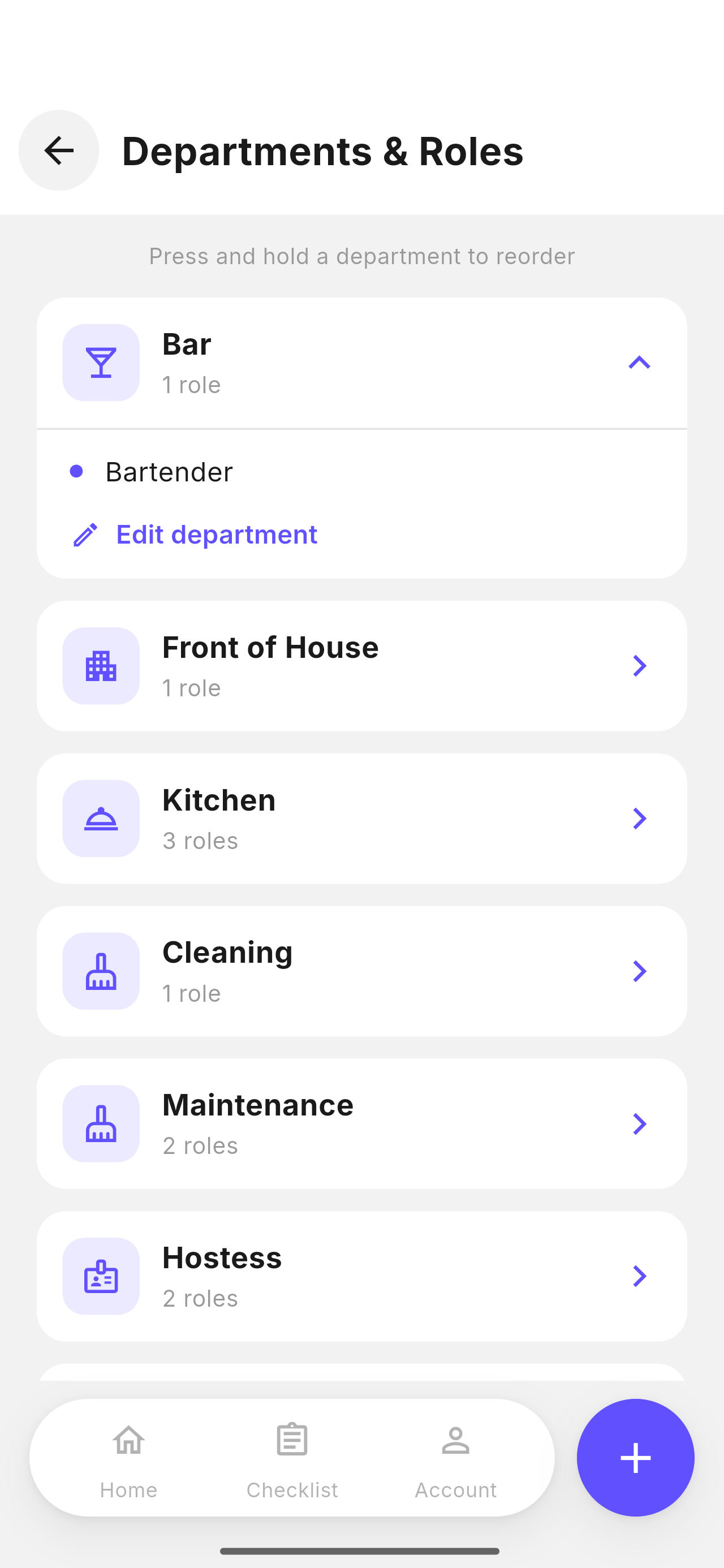
A tick is not enough for a fridge temperature. Each task asks for the answer it needs, and a reading outside its limits requires a corrective action before the checklist can be submitted.
- Checkbox, yes/no, number, text, date and time
- Temperature in °C or °F, with a minimum and maximum
- Photos taken with the camera, never from the gallery
- Optional tasks for work that does not apply every day
The right checklist, at the right time
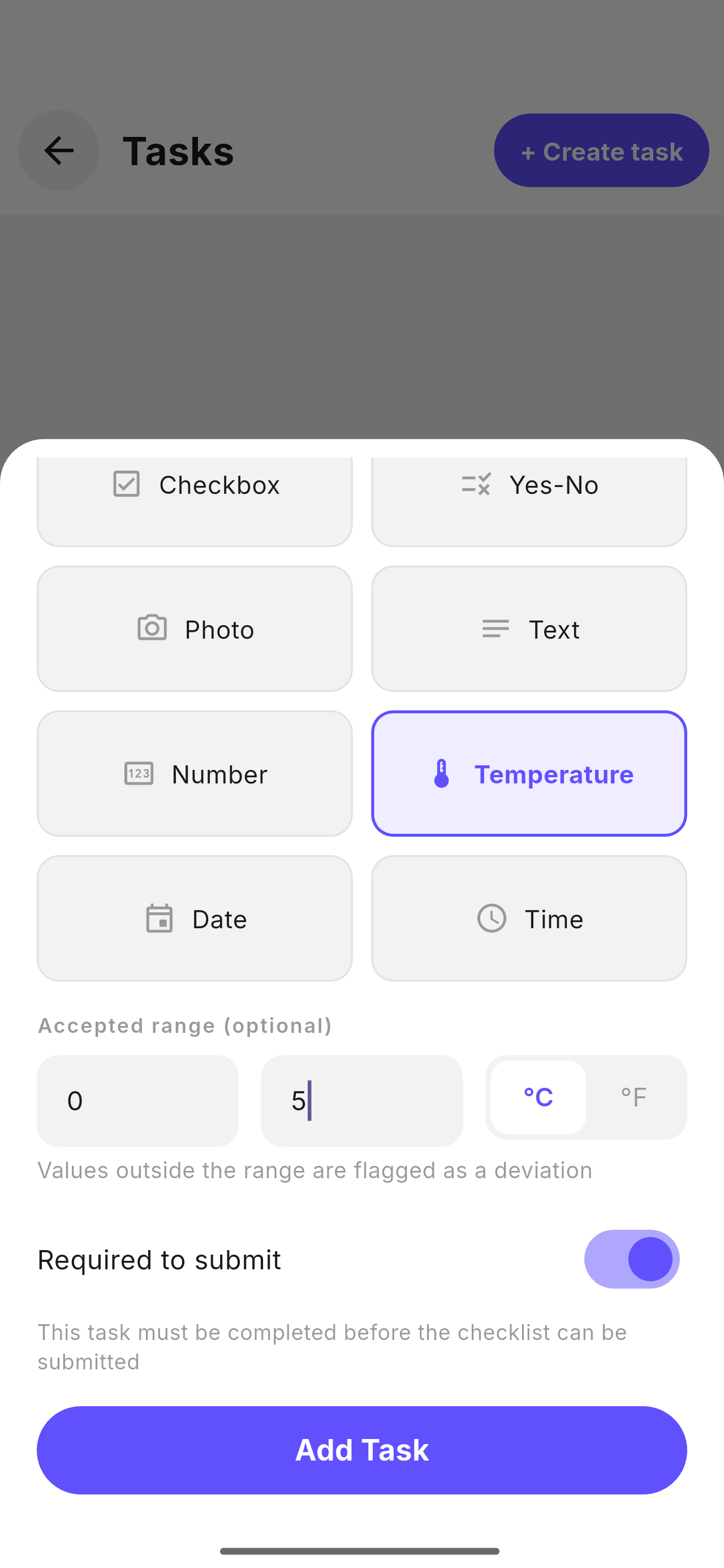
Each checklist has an opening time and an optional deadline. After the deadline it locks, and only a manager can reopen it for one hour. Late submissions are marked as late, permanently.
- Daily or on specific days of the week
- Assigned to a whole department or to specific people
- Shared: several people complete one checklist together
- The business day ends at 5:00, so closing checklists count on the right day
Clear roles for every person
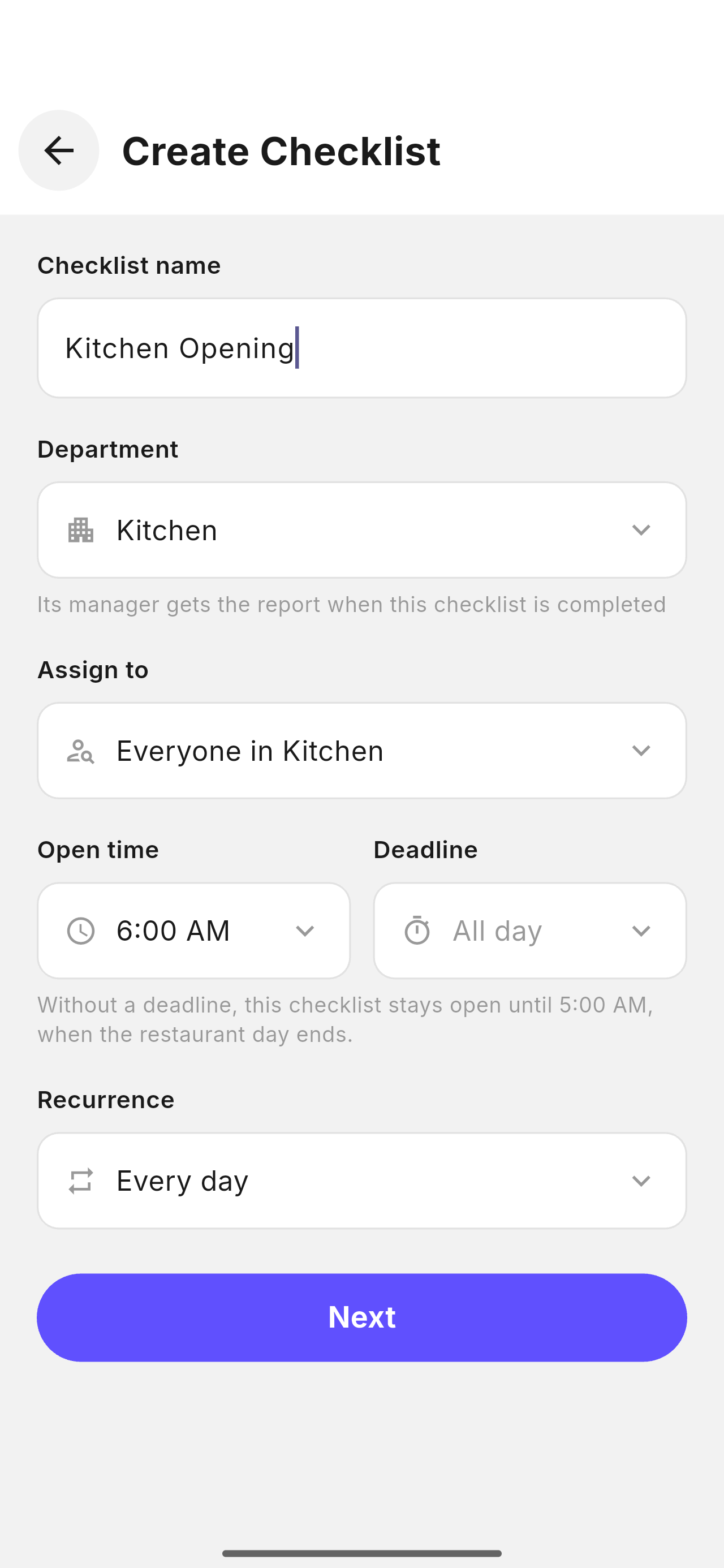
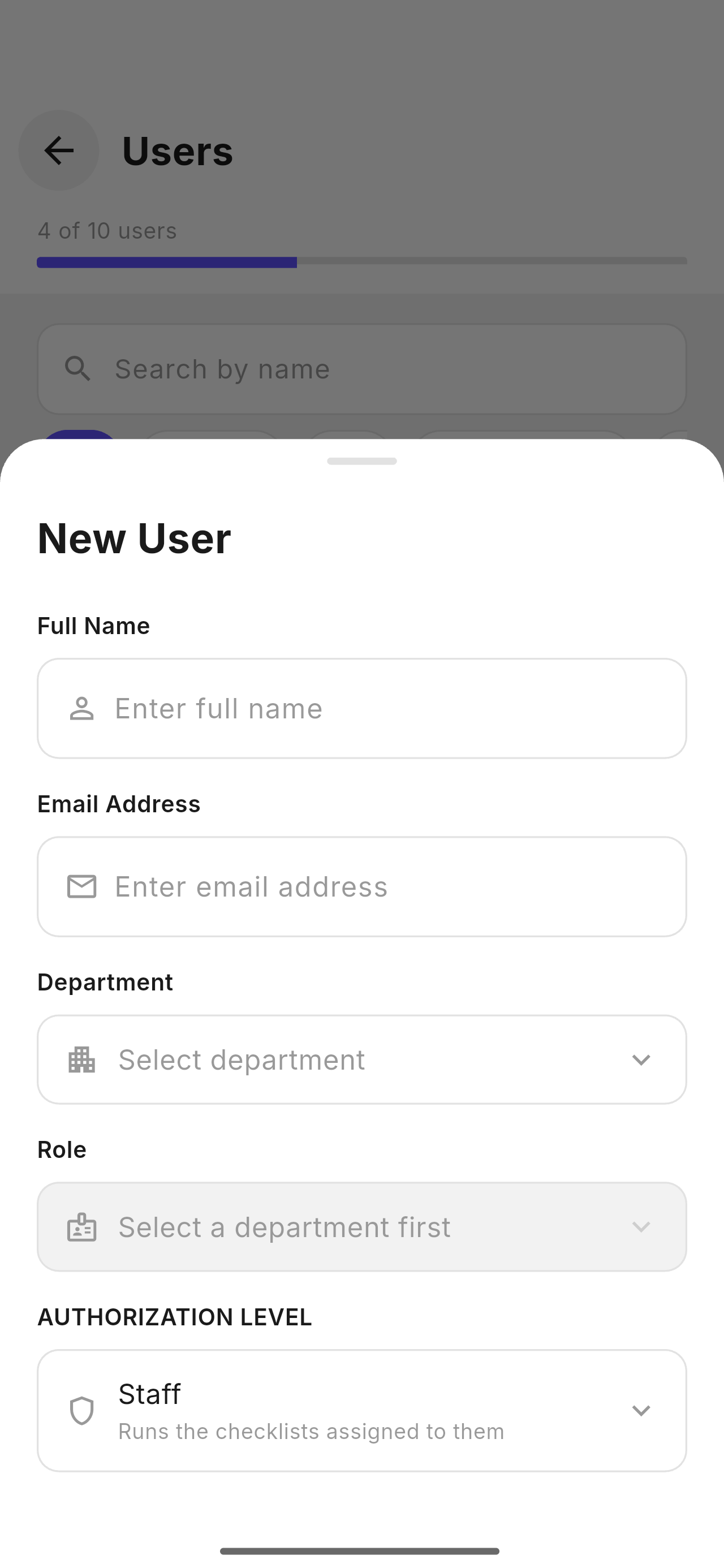
Admins manage the venue and its plan. Managers create checklists and invite staff. Staff complete the checklists assigned to them. Each person uses their own phone and their own account.
- Departments and roles that match your venue
- Invite your team by email with a venue code
- Staff who leave keep their account; your records stay with you
Everything a shift needs, in one app
Built with people who work in restaurant kitchens and dining rooms.
Complete history
See what was completed, what was late and what was never started. Missed checklists are shown, not hidden.
Notifications
Managers are notified when a checklist is submitted. Staff can be notified when their checklist opens.
Daily summary
One email every morning with the numbers of the previous day, and only the items that need attention.
Food Bible
Your dishes and drinks with their ingredients. Allergens are marked once on an ingredient and apply to every dish that uses it.
Inventory
Count stock by storage area, order what is running low and record deliveries. Changes appear on every phone in seconds.
Private by design
Each venue only sees its own data. Checklist photos are stored privately and deleted according to your plan.
Simple pricing
Plans differ by the number of users and how long records are kept. Every plan includes every feature.
See Klip in your venue
We will set it up with your checklists and show your team how it works.
Request a demo